
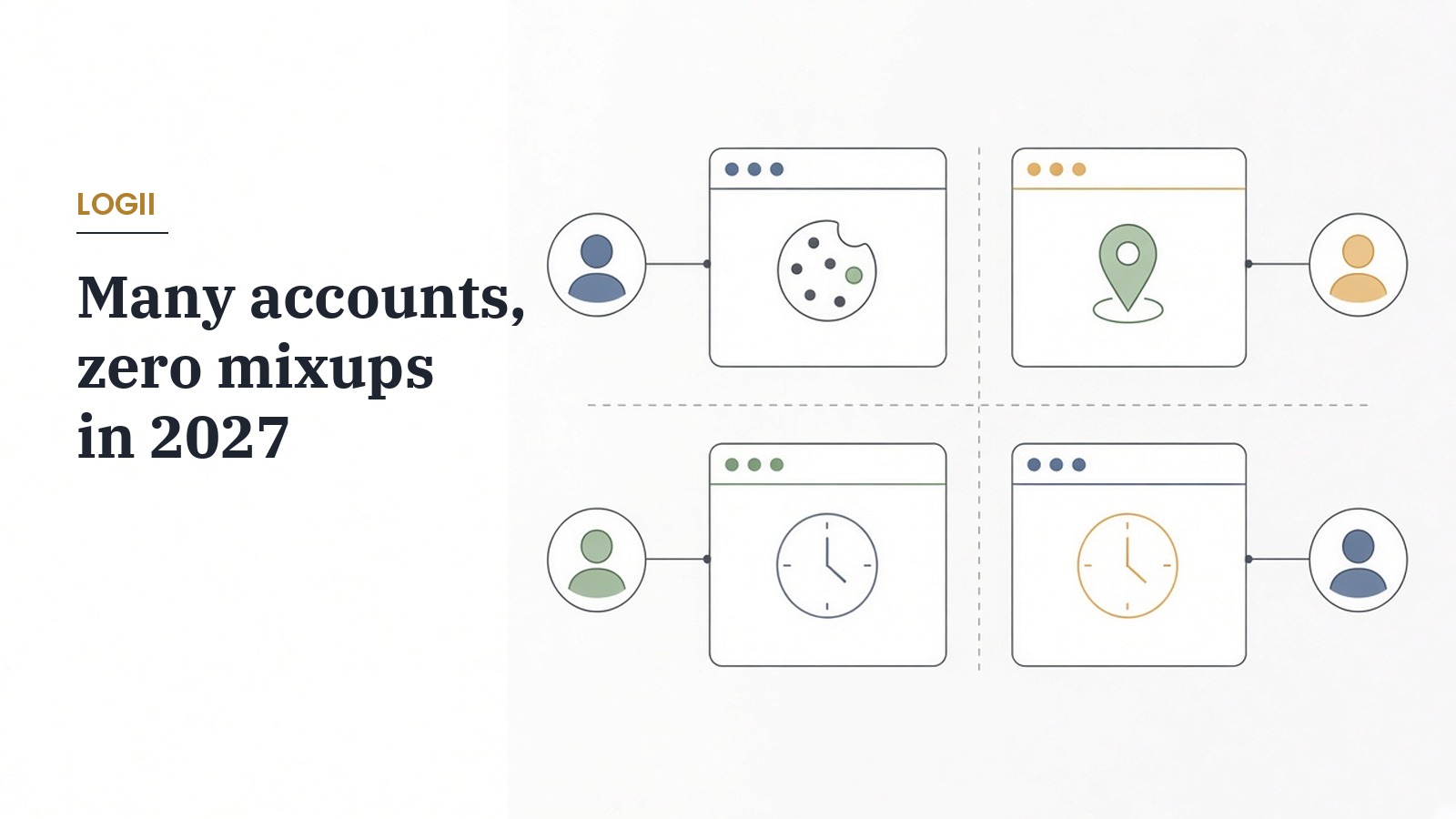
If you manage multiple social media accounts, you know the routine. Log out of the brand page, log into the client account, wait for the one time code, post, log out again. Somewhere in the middle you comment from the wrong profile, or a platform notices five unrelated businesses sharing the same browser and starts asking questions.
The fix isn't a trick. It's a combination of following each platform's rules and keeping every account in its own clean, separate space. In this walkthrough I'll explain how I'd set that up in 2027, which accounts are fine to run together, what quietly links them and where Logii fits.
Logii is a multi login browser made by my team at Teknikforce, so I'm not neutral about it. I'll stick to what its sales page says it does and be clear about what no browser can do for you.
First, know what each platform allows
Running several accounts is normal work for social media managers, agencies and businesses with more than one brand. It's not automatically against the rules. What gets accounts restricted is usually behaviour, not the number of logins.
X's platform manipulation and spam policy allows multiple accounts with distinct identities, purposes or use cases, including accounts run on behalf of others by social media managers. It doesn't allow accounts that overlap, boost each other or post near identical content to inflate reach.
LinkedIn is stricter about personal profiles. Its User Agreement says you'll only have one LinkedIn account, in your real name. For clients, the right route is getting admin access to their company page, not creating extra personal profiles.
Instagram lets you add several accounts to its app switcher, and Meta's business tools let a client give you access to their pages without sharing their password.
So my first step is always a simple list of every account, who owns it, what it's for and what the platform's rules say about it. If an account only exists to fake engagement for another one, no browser setup will make that safe, and I wouldn't run it.
The comparison table
Here's how the common ways of juggling accounts compare. This isn't a price comparison of rival browsers. It's about the approach.
| Approach | How accounts are separated | Where it breaks down | Good fit |
|---|---|---|---|
| Logii | Each login gets its own environment with separate cookies, storage, user agent, time zone and optional proxy | Windows app, and login limits depend on your plan | My first pick for marketers and agencies running several brand or client accounts side by side, at $6.99 a month or $67 a year |
| Logging in and out of one browser | Not separated at all | Mixed cookies, constant codes and posting from the wrong account | One personal account and nothing else |
| Separate profiles in a normal browser | Separate cookies per profile | Profiles still share the same device signals | Two or three of your own accounts |
| The platform's own account switcher | Handled inside the app | Limited number of accounts and only one platform at a time | A personal and a business account on one network |
| A remote server or VPS per account | Separate machines | Costly, slower and harder to share with a team | Large operations with an IT budget |
If you want a wider view of tools in this category, I compared them in the best antidetect browsers for marketers.
What quietly links your accounts
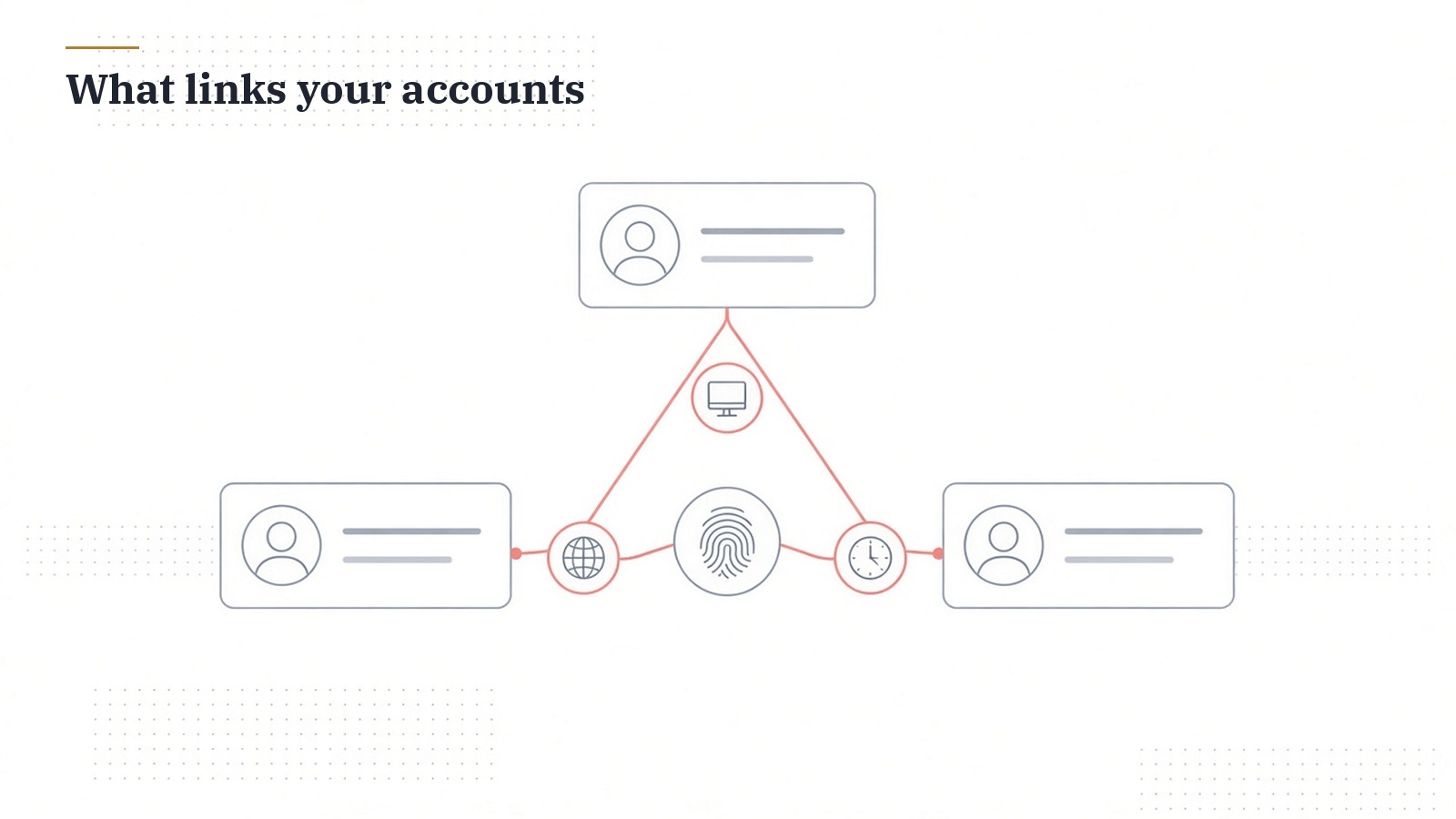
Clearing cookies isn't enough to keep accounts apart. Sites can also build a browser fingerprint from details such as your screen resolution, time zone, language, fonts, graphics card and audio stack. When five unrelated accounts share the same fingerprint and IP address, a platform can reasonably conclude they're run from one place.
That's not a problem in itself if the accounts are legitimate. It becomes a problem when one account gets flagged. If everything is linked, a restriction on one can spill into the others, including accounts that belong to your clients.
I explained this in more depth in what browser fingerprinting is and how to prevent it. The short version is that separation needs to cover more than cookies.
How I'd set up Logii, step by step
Logii's sales page describes each identity as running in its own virtual environment with nothing shared. Here's how I'd use that for a small agency or a business with several brands.
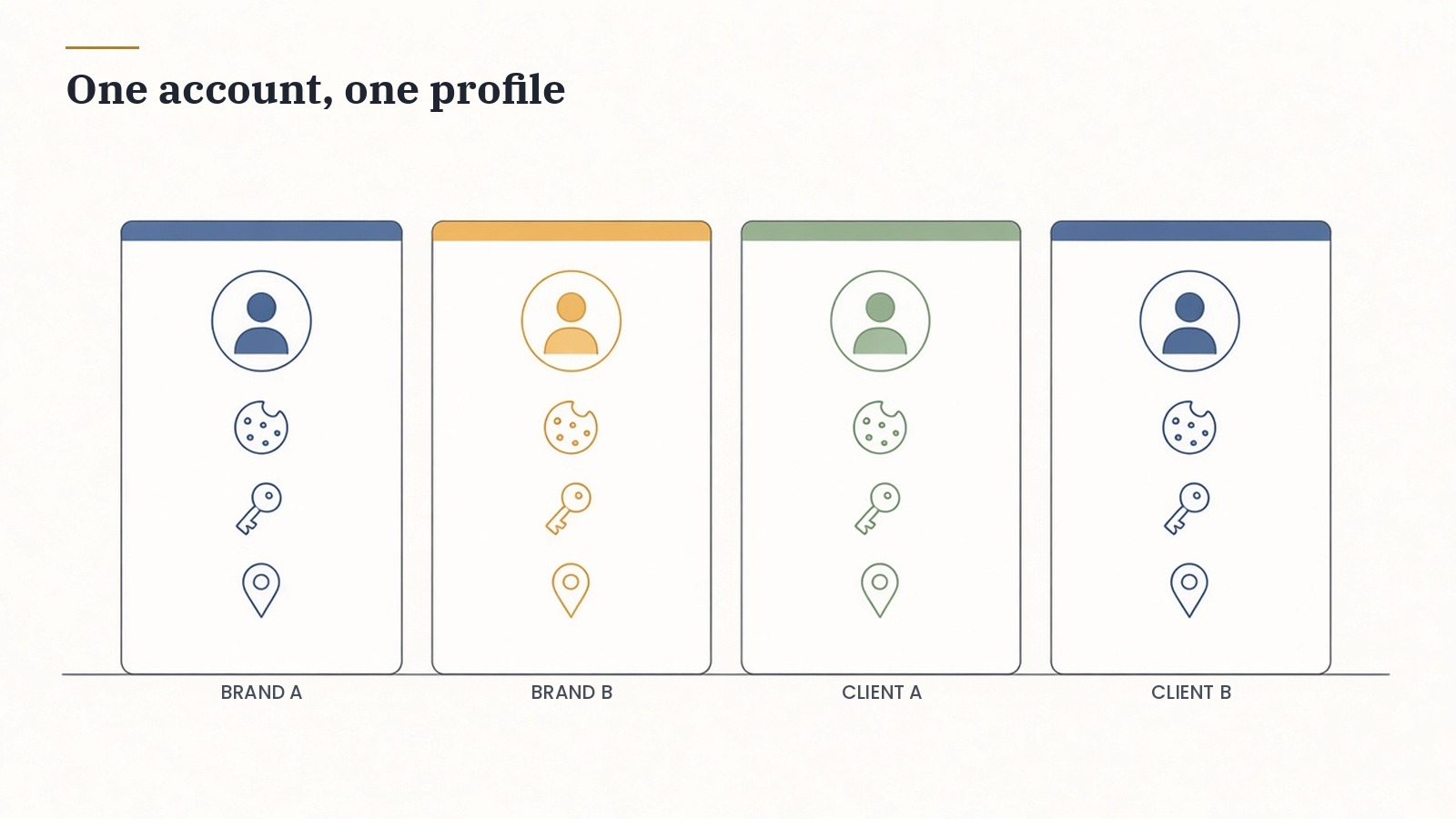
Step 1. Create one profile per account. Each brand or client account gets its own Logii profile. I name them clearly, such as Bakery Instagram or Client A LinkedIn Page, so nobody posts from the wrong one.
Step 2. Check the environment settings. Logii lets you control the user agent, device, screen resolution, time zone and geolocation for each profile. I keep these realistic and consistent. If a client is in London, a profile that suddenly claims to be in Tokyo looks odd.
Step 3. Add a proxy where it makes sense. Logii supports a separate free or paid proxy for each account. I'd use a stable proxy in the account's home region rather than rotating addresses every day. Consistency matters more than hiding.
Step 4. Log in once and stay logged in. Because cookies and sessions stay inside each profile, I don't need to log in and out all day. Fewer logins mean fewer verification codes and fewer odd sign in alerts.
Step 5. Install only the extensions you need. Logii supports extensions, so I'd add what each account actually needs and keep the rest out.
Share access with your team, not passwords
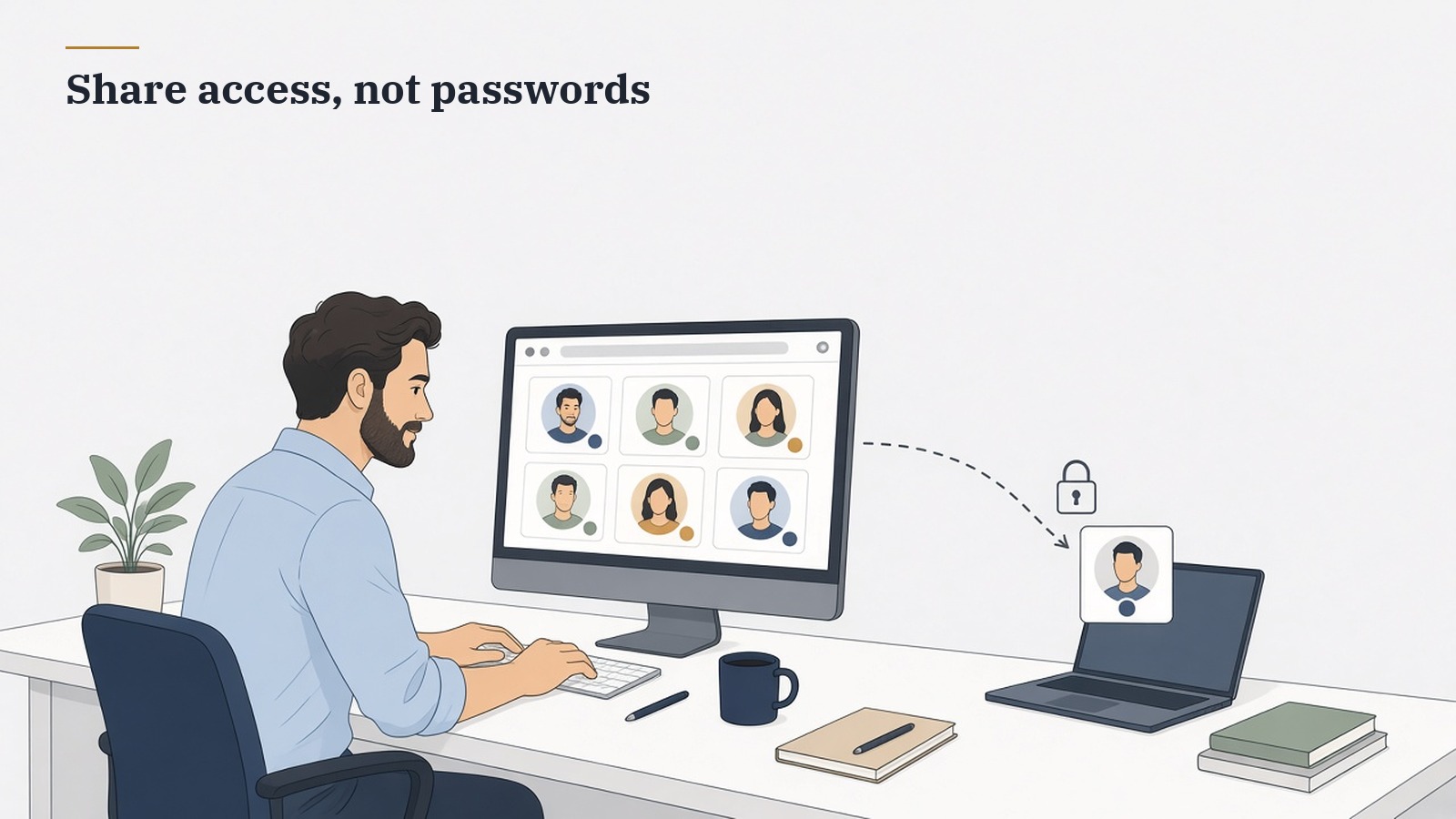
The old way of handing an account to a freelancer was sending the password and the one time code over chat. That's risky and it often triggers security checks.
Logii's sales page describes account sharing, where you give a teammate access to a logged in profile without sharing the password or OTP. You can also run multiple profiles side by side, each with its own tabs.
One detail matters here. Plans differ in how many logins they cover and whether account sharing and client work are included. If you're an agency handing work to a team, check the plan details at checkout before you rely on sharing.
The habits that keep accounts healthy
A clean browser setup helps, but behaviour is what platforms watch most closely. These are the habits I'd keep across every account.
- Give each account a distinct purpose. Different brands, different clients, different audiences. Never run accounts that exist to like or reshare each other.
- Don't cross post identical content. Adapt posts for each brand. X specifically allows the same content when it's localised into another language, but not straight copies across your accounts.
- Warm up new accounts gradually. A brand new account that follows hundreds of people on day one looks automated, whatever browser you use.
- Keep a steady location. Use the same profile and proxy for the same account rather than jumping around.
- Use official access for clients. Where a platform offers business or page roles, use them. Logii is for keeping your workspace tidy, not for getting around those systems.
- Write things down. Keep a simple sheet of each account, its profile, its owner and its recovery details.
Warning signs worth taking seriously
Platforms usually tell you something is off before they restrict an account. I'd treat these signals as a reason to pause and look, not to push harder.
- Repeated verification prompts. If one account keeps asking for codes or a captcha, check whether its profile, proxy or location changed recently.
- Reduced reach on one account only. A sudden drop on a single brand often points to content or behaviour on that account, such as repeated links or copied captions.
- Action blocks. Messages saying you've done something too often mean you've hit a limit. Slow down for a few days rather than switching to another account to carry on.
- Login alerts sent to a client. If a client gets a new device warning every week, your setup isn't consistent. A stable profile per account should stop that.
When I see one of these, I write down what happened in the tracking sheet, check that the account's profile and proxy haven't changed and review the last week of activity. Most of the time the cause is ordinary, like posting the same link across several brands on the same day.
A weekly routine for several accounts
Here's how I'd structure a week with five or six accounts.
On Monday, open each profile in turn, check notifications and messages, and plan the week's posts. Because each Logii profile stays logged in, this takes minutes rather than an hour of codes.
From Tuesday to Thursday, publish and engage from the correct profile for each brand. With profiles running side by side, I can reply to a client's comments without closing my own account.
On Friday, review results per account and update the tracking sheet. If any account showed a warning or a verification prompt, I'd look at what changed that week before doing anything else.
Keep a simple account register
Separation works best when it's written down. I'd keep one shared sheet that every teammate can see, with a row for each account.
- Account and platform. The brand name, the network and the handle.
- Owner. Whether it belongs to you or a client, and who approves posts.
- Logii profile. The exact profile name, so nobody opens the wrong one.
- Location and proxy. The region the account normally works from.
- Access. Who on the team can use it and how that access was given.
- Notes. Any warnings, verification prompts or changes, with the date.
It takes ten minutes to set up and saves hours when something goes wrong, because you can see at a glance what changed and who changed it.
What Logii costs
Logii costs $6.99 a month or $67 a year. The monthly plan covers up to 5 simultaneous logins on 1 computer. Plans include free upgrades and 24/6 chat support, and there's a 30 day money back guarantee. I'd check the login allowance and sharing options for the plan you pick at checkout.
There's also a free version if you'd like to try it before buying. Logii is listed for Windows.
When Logii isn't the answer
If you only run one personal account and one business page on the same network, the platform's own switcher is probably enough.
If an account breaks a platform's rules, such as a duplicate LinkedIn profile or a ring of accounts boosting each other, separating it won't make it acceptable. Fix the plan, not the browser.
And no tool can promise an account will never be restricted. Platforms change their systems, and they can act on reports or content. What a clean setup does is stop one problem from spreading to every account you manage.
A few common questions
Is it legal to manage multiple social media accounts?
Yes, managing several accounts is normal for businesses and agencies. What matters is following each platform's rules, which differ. X allows distinct accounts, while LinkedIn allows only one personal profile per person.
Will Logii stop my accounts from being banned?
No browser can guarantee that. Logii keeps each account in its own environment so accounts aren't linked through shared cookies or device signals. Your content and behaviour still need to follow the rules.
How many accounts can I run in Logii?
The monthly plan covers up to 5 simultaneous logins on one computer. Check the current allowance for your plan at checkout if you need more.
Can my team use the accounts without my passwords?
Logii's account sharing lets you give access to a logged in profile without sharing passwords or codes. Sharing depends on your plan, so confirm it's included before you set up a team.
Do I need a proxy for every account?
Not always. A proxy is useful when an account belongs to a specific region or when many accounts would otherwise share one IP address. Keep it stable rather than switching often.
Keep every account in its own space
Managing multiple accounts gets much calmer when each one lives in its own profile and follows the platform's rules. You stop logging in and out, you stop posting from the wrong account and one problem stays contained.
Get Logii for $6.99 a month or $67 a year, or try the free version first, and set up a clean profile for each brand you manage this week.