
You clear your cookies. You open a private window. You even switch to a VPN.
And websites still know it's you.
That's browser fingerprinting at work. It's quiet, it's everywhere, and most people have never heard of it.
Here's what it is, how it works, and what you can actually do about it in 2026.
What Is Browser Fingerprinting?
Browser fingerprinting is a way for websites to recognise your device without cookies.
Every time you visit a site, your browser shares lots of small details. Your screen size. Your time zone. Your fonts. Your graphics card. Each detail on its own is boring. Put together, they form a pattern that's often unique to you.
That pattern is your fingerprint. And unlike a cookie, you can't just delete it.
What Does a Fingerprint Include?
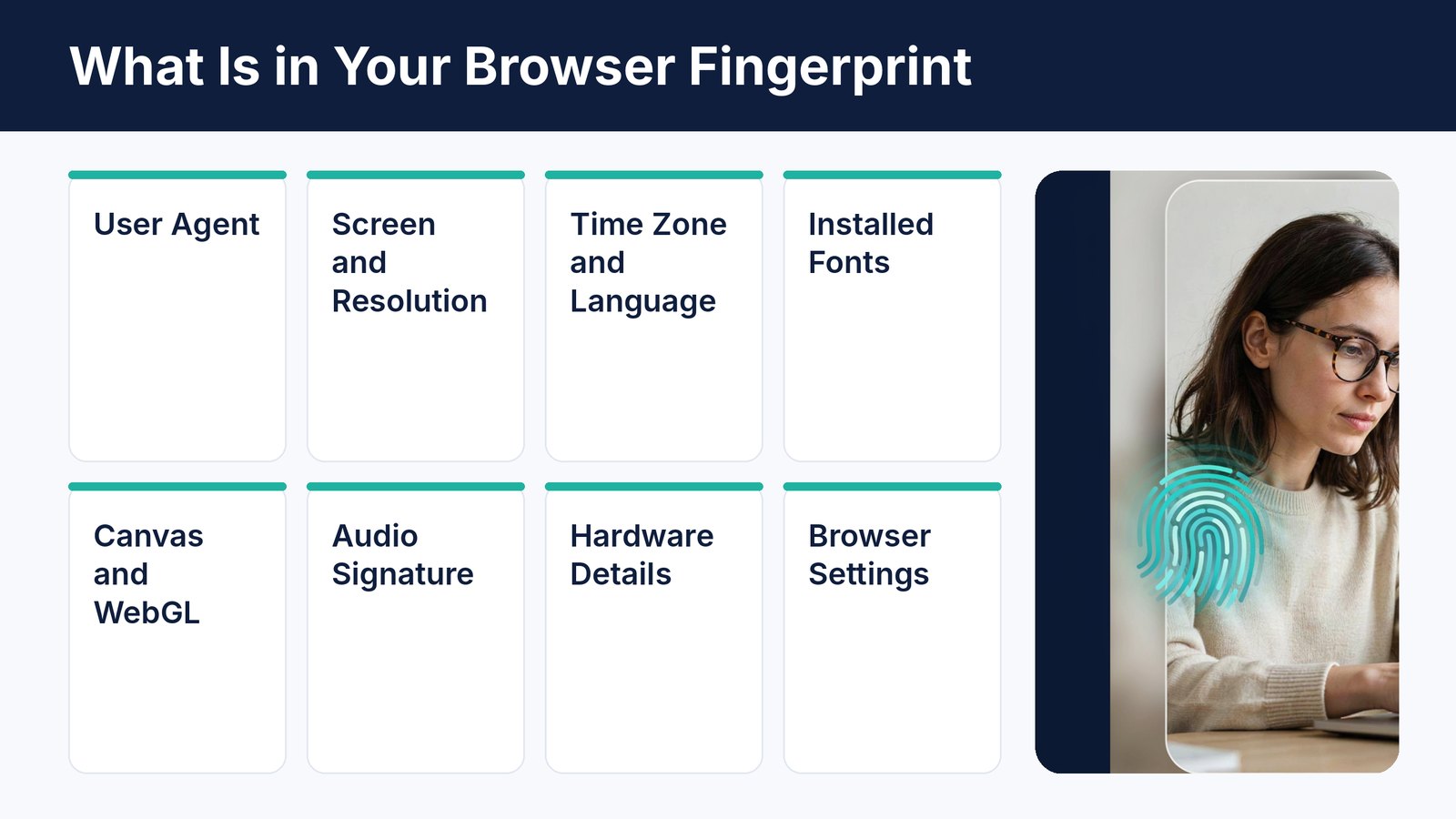
| Signal | What It Reveals |
|---|---|
| User agent | Your browser, its version and your operating system |
| Screen and resolution | Your display size and colour depth |
| Time zone and language | Roughly where you are and what language you use |
| Fonts | The fonts installed on your computer |
| Canvas and WebGL | Tiny drawing differences from your graphics card |
| Audio | How your device processes a test sound |
| Hardware | CPU cores, memory and touch support |
| Settings | Do Not Track, cookies on or off, and other preferences |
No single item gives you away. It's the combination that does. Privacy researchers, including the team behind the EFF's Cover Your Tracks test, have shown that most browsers carry a fingerprint that stands out from the crowd.
How Does Browser Fingerprinting Work?
It happens in the background, in a fraction of a second.
1. The Site Runs a Small Script
When the page loads, a script asks your browser dozens of questions. What's your screen size? Which fonts do you have? How do you draw this hidden image?
2. The Answers Are Combined
All those answers are mashed together into one long code called a hash. Same device, same answers, same hash.
3. The Hash Is Matched
The site compares the hash with ones it has seen before. If it matches, it knows you've been here, even with fresh cookies or a new private window.
Canvas Fingerprinting, Explained Simply
One clever trick is canvas fingerprinting. The site asks your browser to draw a hidden picture with text and shapes. Tiny differences in your graphics card, drivers and fonts make the result slightly different on every device. You never see it happen.
How Accurate Is It?
Very accurate, and getting better. Research projects like AmIUnique have found that a large share of desktop browsers carry a fingerprint no other visitor shares.
Fingerprints do drift a little. A browser update, a new font or a new monitor can change a few signals. But trackers have learned to handle that. They match on the parts that stay stable and quietly update the rest.
Put simply, once a site has seen your device a few times, it can usually pick it out again, weeks later, with or without cookies.
Who Uses Browser Fingerprinting?
It isn't always sinister. Many uses are fair.
- Banks and payment sites use it to spot fraud and stolen logins.
- Social networks and ad platforms use it to detect fake or linked accounts.
- Ecommerce sites use it to stop coupon abuse and bots.
- Advertisers and data brokers use it to track people across sites for targeting.
That last one is where privacy worries come in. And the second one is why marketers who manage several accounts often get flagged, even when they've done nothing wrong.
Why It Matters for Marketers
Picture this. You run ads for five clients. You log into each account from the same laptop.
To the platform, all five accounts share one fingerprint. If one account gets flagged, the others can be linked to it and restricted too.
Agencies, social media managers, ecommerce sellers and freelancers run into this every day. It's not about breaking rules. It's about keeping separate businesses truly separate.
Signs Your Accounts Are Being Linked
Platforms rarely tell you why an account got restricted. But a few patterns show up again and again.
- A ban spreads. One account gets suspended and, days later, others you log into from the same computer get flagged too.
- Constant security checks. You keep getting asked to verify your phone or solve puzzles on accounts that used to work fine.
- New accounts die fast. A fresh account gets limited before you have even posted or spent anything.
- Ad accounts get reviewed together. Several client ad accounts land in review on the same day.
None of these prove fingerprint linking on their own. Together, they are a strong hint that your accounts look like one person to the platform.
The fix is not to hide. It is to give each legitimate account its own clean, consistent setup, so one problem account can't drag the rest down with it.
Cookies vs Fingerprinting
| Cookies | Fingerprinting | |
|---|---|---|
| Where it lives | Stored on your device | Worked out from your device |
| Can you delete it? | Yes, in seconds | No, it is rebuilt each visit |
| Private window stops it? | Mostly | No |
| VPN stops it? | No | No, it only hides your IP |
| Needs your consent? | Often, under privacy laws | Often hidden and hard to see |
How to Check Your Own Fingerprint
Curious how unique you are? Free test sites like the EFF's Cover Your Tracks and AmIUnique show what your browser reveals and how rare your fingerprint is.
Run one now. Most people are surprised.
How to Prevent Browser Fingerprinting
You can't make fingerprinting impossible. But you can make it much harder, or give each account its own clean identity.
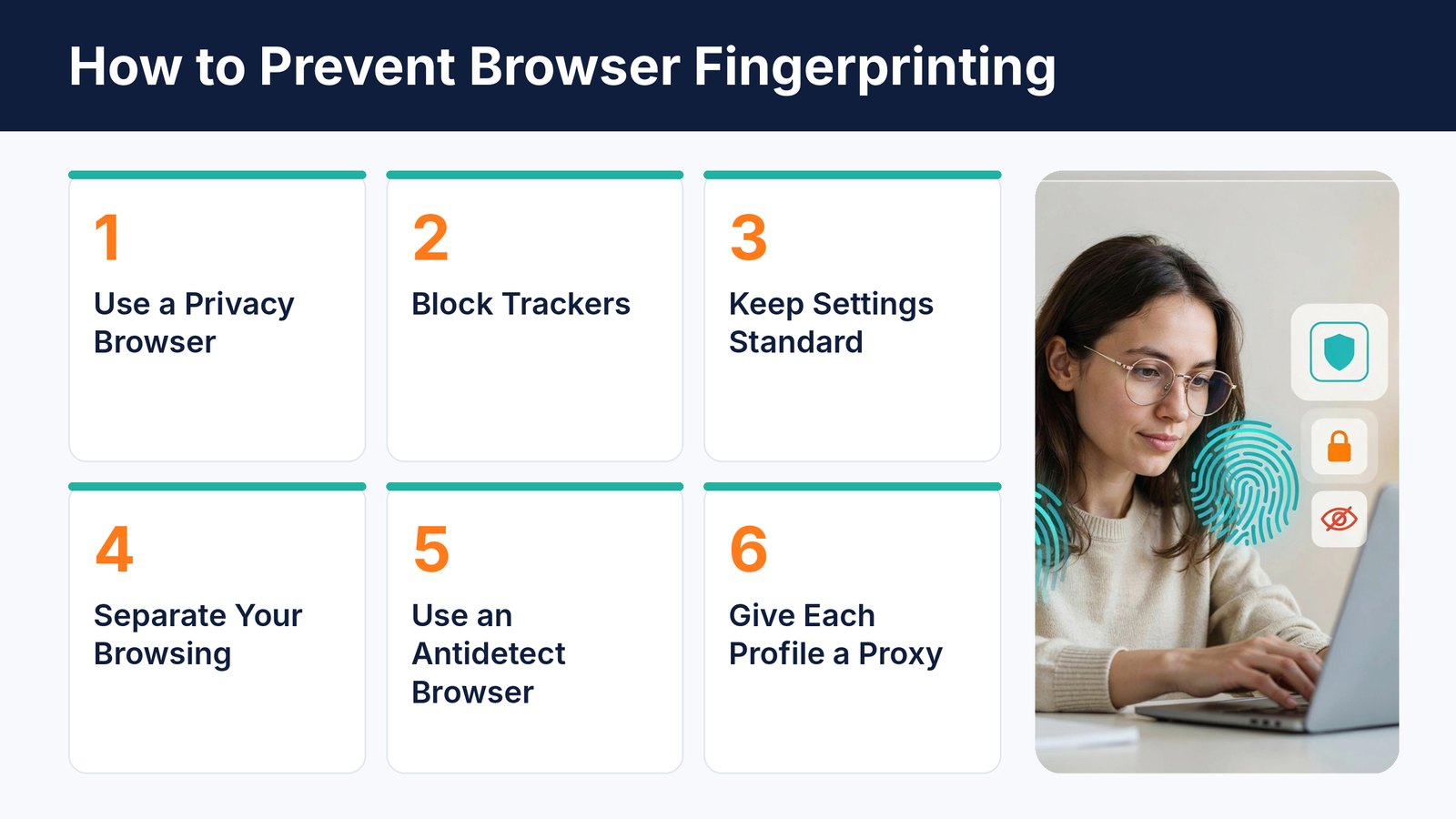
1. Use a Privacy-Focused Browser
Browsers like Brave, Firefox with strict tracking protection, and Tor Browser fight fingerprinting in different ways. Tor makes everyone look the same. Brave adds small random changes so your fingerprint keeps shifting.
2. Block Trackers
Content blockers stop many fingerprinting scripts from loading at all. Fewer scripts mean fewer questions asked about your device.
3. Keep Things Standard
Oddly, the more you customise, the more you stand out. Rare fonts, unusual extensions and odd screen sizes make you easier to spot. Common settings help you blend in.
4. Separate Your Browsing
Use different browsers or profiles for personal browsing, work and shopping. It won't hide your device, but it limits how much one site can link together.
5. Use an Antidetect Browser for Multiple Accounts
If you manage several accounts, an antidetect browser is the most practical answer. It gives each account its own browser profile with its own fingerprint, cookies and location. To the website, each one looks like a different person on a different computer.
6. Pair Each Profile With a Proxy
A fingerprint and an IP address go together. Giving each profile its own proxy, ideally from the same country as its time zone and language, makes the identity consistent and believable.
What About a VPN?
A VPN hides your IP address. That's useful, but it doesn't change your fingerprint.
Your screen, fonts, graphics card and settings stay exactly the same. So a site can still recognise you, even when your IP changes. A VPN is one layer of privacy, not a full solution.
How Logii Protects Your Fingerprint
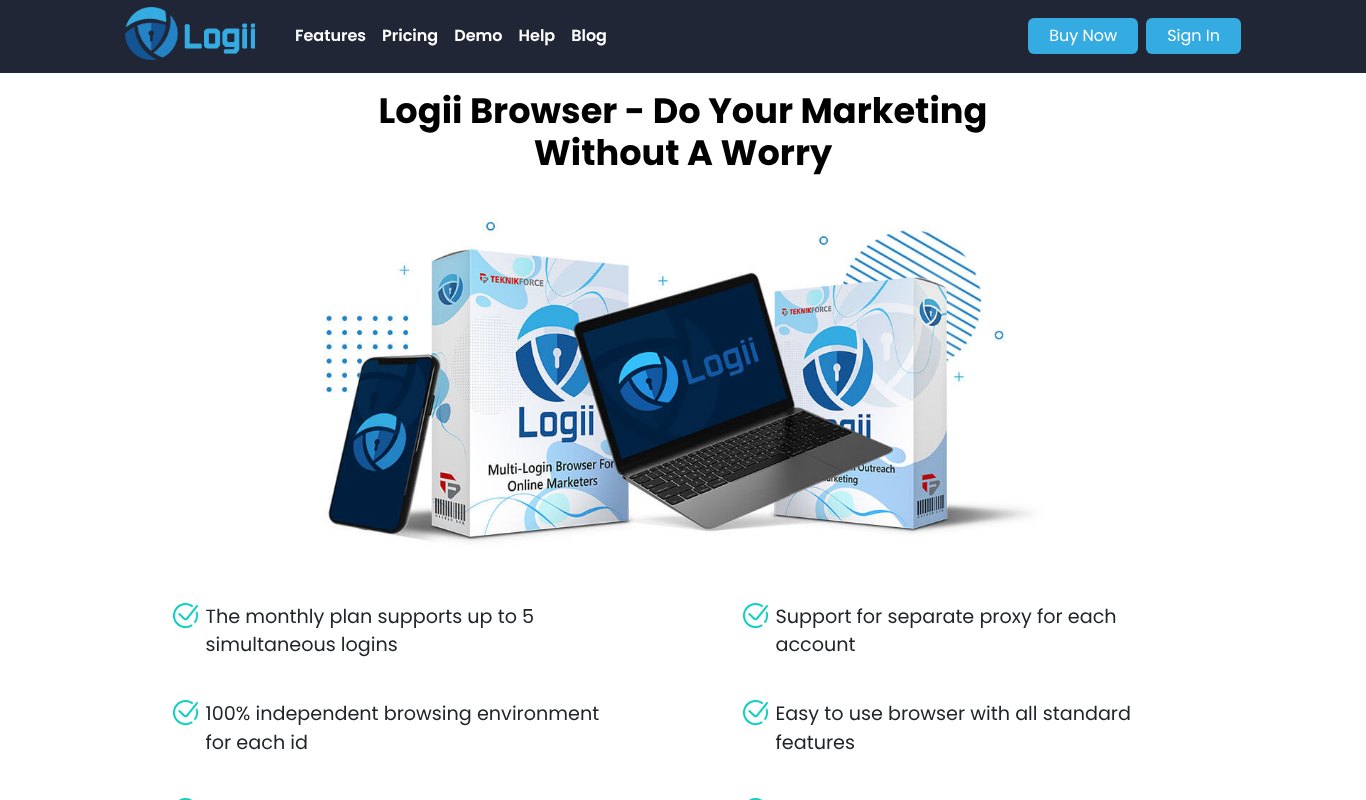
Logii is our own antidetect browser at Teknikforce, built for marketers who manage many accounts.
It looks and feels like a normal browser. But every login runs in its own environment, with separate cookies, local storage, user agent, resolution, time zone, language and geolocation. It also protects WebGL, audio and IndexedDB fingerprints, and you can give each login its own proxy.
So your client ad accounts, social profiles and stores stay apart, just like they would on separate computers.
- Separate fingerprint, cookies and location for every login
- Proxy support for each profile
- Share accounts with your team without sharing passwords
- Light on memory, with nothing complicated to learn
- Free version to try
Pricing $5.58 a month, paid yearly ($67 a year), with 10 logins and account sharing. The monthly plan is $6.99.
How to Set Up Separate Profiles With Logii
Getting started takes a few minutes, and you don't need any technical skills.
1. Install Logii
Download it and sign in. It opens like any normal browser, so there is nothing new to learn.
2. Create a Login for Each Account
Add one login per client, store or social profile. Give each a clear name so your team knows which is which.
3. Add a Proxy Where You Need One
For accounts tied to a country, attach a proxy from that country. Logii keeps the time zone, language and location in line with it.
4. Share With Your Team
Share a login with a team member and they can work in that account without ever seeing the password. Take access back any time.
That's it. Each account now lives in its own space, with its own fingerprint, and stays there.
Is Browser Fingerprinting Legal?
In most places, yes, but rules are tightening. Privacy laws like Europe's GDPR treat fingerprints as personal data when they can identify someone. That means many sites need a legal reason or consent to use them for tracking.
Fraud prevention is generally treated differently from advertising. Expect more rules and more transparency over the next few years.
Common Myths
- "Incognito mode hides me." It deletes history and cookies after you close it. Your fingerprint stays the same.
- "A VPN makes me anonymous." It only hides your IP address.
- "Only shady sites do this." Many big, legitimate sites use fingerprinting for security.
- "Blocking all scripts fixes it." It helps, but it also breaks a lot of websites and can make you stand out.
A Quick Checklist
Short on time? Here's the simple version.
- Test your browser on Cover Your Tracks or AmIUnique.
- Switch to a privacy browser for everyday use.
- Add a good tracker blocker.
- Remove extensions and fonts you never use.
- Keep work and personal browsing in different profiles.
- Give every business account its own antidetect profile and proxy.
- Re-test every few months, since browsers and trackers keep changing.
Do the first three and you're already ahead of most people online. Do all seven and your accounts stay safely apart, too.
Final Thoughts
Browser fingerprinting is the reason clearing cookies isn't enough anymore. It quietly builds a picture of your device from dozens of small details.
For everyday privacy, a privacy browser and a tracker blocker go a long way. For marketers who run many accounts, the safest move is giving each one its own identity.
That's exactly what Logii does. Try the free version and see how simple it is.
FAQs About Browser Fingerprinting
Can I completely stop browser fingerprinting?
Not completely. You can make it much harder with privacy browsers and blockers, or give each account a separate fingerprint with an antidetect browser.
Does clearing cookies stop fingerprinting?
No. Fingerprints are worked out from your device each time you visit, so they come back even after you clear cookies.
Is an antidetect browser legal?
Yes. Antidetect browsers are legal privacy tools. As with any tool, follow each platform's terms and the law in how you use them.
Do mobile phones have fingerprints too?
Yes. Phones share details like screen size, model, language and time zone. Because many people own the same model, phone fingerprints are a little less unique, but they can still be tracked.
Does a VPN stop browser fingerprinting?
No. A VPN hides your IP address, but your screen, fonts, graphics card and browser settings stay the same, so your fingerprint does too.
Who needs an antidetect browser?
Anyone who manages several accounts on the same platform. That includes agencies, social media managers, ecommerce sellers, affiliate marketers and freelancers who handle client logins.
Does incognito mode stop fingerprinting?
No. Incognito mode deletes your history and cookies when you close the window. Your device still shares the same screen, fonts, hardware and settings, so the fingerprint is just the same as it was in a normal window.